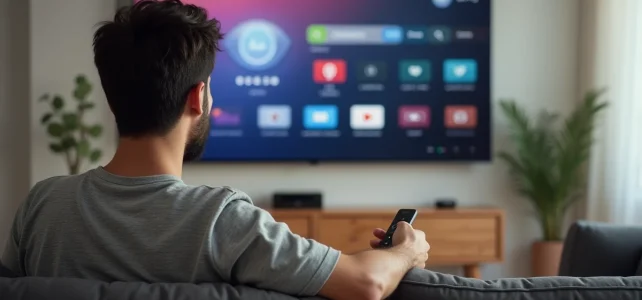
Connecting a Mi TV Stick to the HDMI port of your television takes just a few seconds. However, accessing all the TV channels you used to watch before, without an antenna or traditional decoder, requires a bit more method. The Mi TV Stick runs on Android TV, which means that receiving channels is entirely done through applications installed from the Google Play Store and a stable Wi-Fi connection.
What the Mi TV Stick does not do (and why it changes everything)
The Mi TV Stick does not contain any TNT tuner. It does not pick up the terrestrial signal, unlike a traditional television or an internet box decoder. This is a point that many buyers discover after plugging it in.
In practical terms, without a dedicated application, the stick does not display any TV channels. It shows the Android TV interface, with access to the Play Store, YouTube, and pre-installed streaming services. To find TF1, France 2, M6, or Arte, you need to manually install the right applications.
This 100% application-based logic has a direct advantage: you can access TV channels with the Mi TV Stick from any internet connection, including in a second home or a hotel, where a rooftop antenna would pick up nothing.
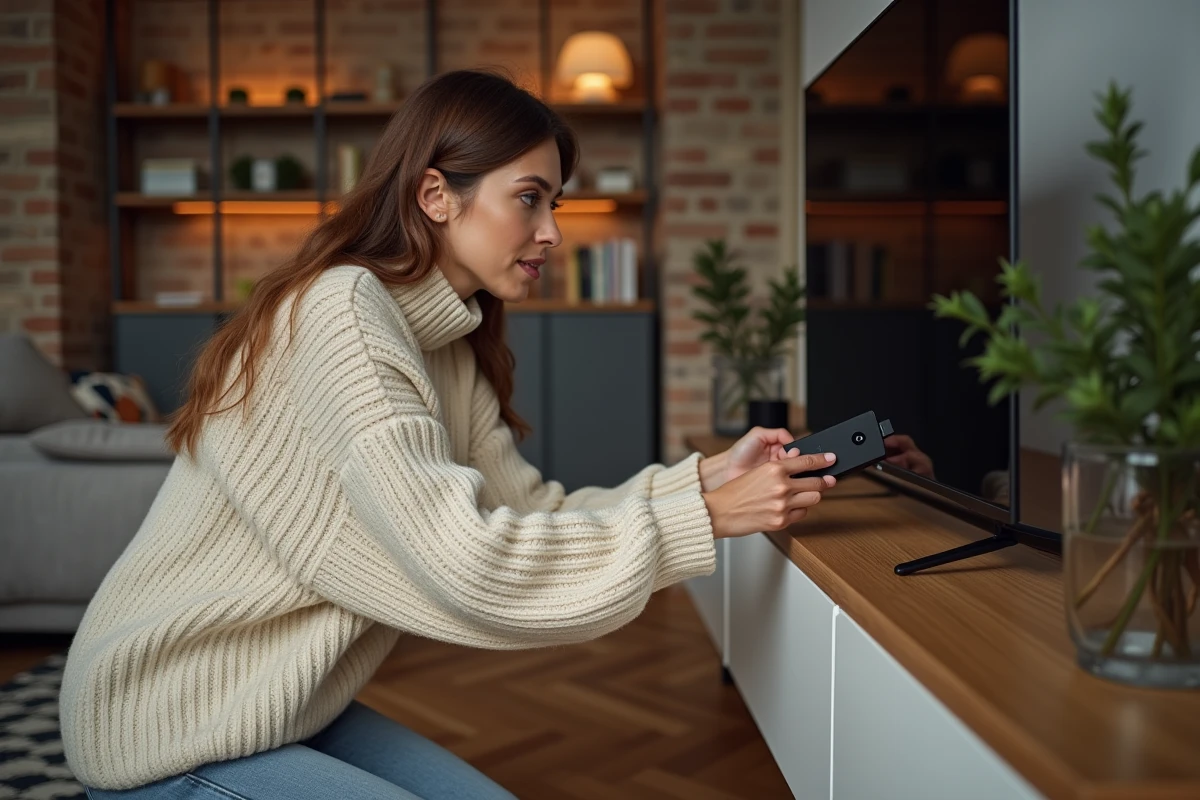
Android TV applications to watch TNT channels for free
Looking for a simple starting point? Three categories of applications cover almost all French channels accessible without a subscription on the Mi TV Stick.
Official applications from TV groups
MyTF1, France.tv, and 6play are the first to install. Each provides live access to the channels of its respective group, plus replays. France.tv has enhanced its Android TV compatibility since 2023, with a redesigned interface and direct access to France 2, France 3, France 4, France 5, and franceinfo.
These applications are free. They sometimes require creating an account, but without any financial commitment. The quality of the stream depends on your Wi-Fi connection, not the application itself.
Molotov: the historical aggregator, with limitations
Molotov remains available on the Play Store and offers a bouquet of live channels in its free version. Its main interest: to group several channels in a single interface, with an integrated program guide.
However, the renegotiations of rights between TF1, M6, and Molotov have reduced the free catalog. Some channels that were accessible without payment are now reserved for paid plans. Before betting everything on Molotov, check which channels are still included in the basic offer.
Your internet service provider’s application
If you are subscribed to Bouygues, SFR, Free, or Orange, your operator likely offers an Android TV application. You just need to log in with your ISP credentials to access your complete TV bouquet, including the channels included in your internet subscription.
This option is often the most comprehensive, as it includes TNT channels, thematic channels from your offer, and sometimes integrated replay. The Mi TV Stick then becomes a true replacement for the decoder provided by the operator.
Setting up the Mi TV Stick for stable daily viewing
Installing the applications is not enough if the stream cuts out every two minutes. The stability of viewing relies on three concrete settings.
- Connect the stick to the 5 GHz Wi-Fi network rather than the 2.4 GHz. The 5 GHz band offers higher speeds and is less affected by interference from nearby devices (microwaves, Bluetooth). The second-generation Mi TV Stick 4K supports Wi-Fi 6, which further improves the connection if your router is compatible.
- Place the router in the same room as the television, or no more than two rooms away. A load-bearing wall or concrete floor can be enough to degrade the signal to the point of causing stuttering.
- Close unused applications running in the background. The stick has limited RAM, and multiple applications open simultaneously slow down the system. Regularly restarting (once a week) helps maintain fluidity.

IPTV on Mi TV Stick: what you need to know before installing a player
The term IPTV often comes up in searches related to the Mi TV Stick. It refers to the broadcasting of TV channels via the internet protocol and encompasses both legal services and pirate offers.
On the legal side, the applications from the ISPs and TV groups mentioned above all use IPTV. Molotov does too. The protocol itself is not illegal.
On the illegal side, third-party applications (often absent from the official Play Store) offer hundreds of channels for a few euros a month. These services do not have any broadcasting rights and expose the user to legal risks. The streams are unstable, with frequent interruptions during sporting events, and the applications may carry malware.
If you want to use a legal IPTV player (like TiviMate or IPTV Smarters) with a subscription provided by your operator, check that they allow access via a third-party player. Not all of them do.
Image quality and hardware limitations of the Xiaomi stick
The second-generation Mi TV Stick 4K handles Dolby Vision and HDR10+. For standard TNT channels, broadcast in 720p or 1080i, the stick displays a clear image without difficulty.
The limitation lies more on the storage side. With a few gigabytes of internal memory, the stick can only host about ten applications. Prioritize the applications you actually use and uninstall those that are rarely used.
The Bluetooth remote control provided with the stick includes a Google Assistant button, allowing you to launch a channel or application by voice command. Saying “Open France.tv” or “Play TF1” works directly, provided the corresponding application is installed.
The Mi TV Stick transforms any television equipped with an HDMI port into a complete Android TV platform. The trade-off is that each channel goes through a separate application or through an aggregator like Molotov. Keeping your applications up to date, monitoring changes in broadcasting rights, and maintaining a strong Wi-Fi connection remains the real groundwork for seamless viewing.